
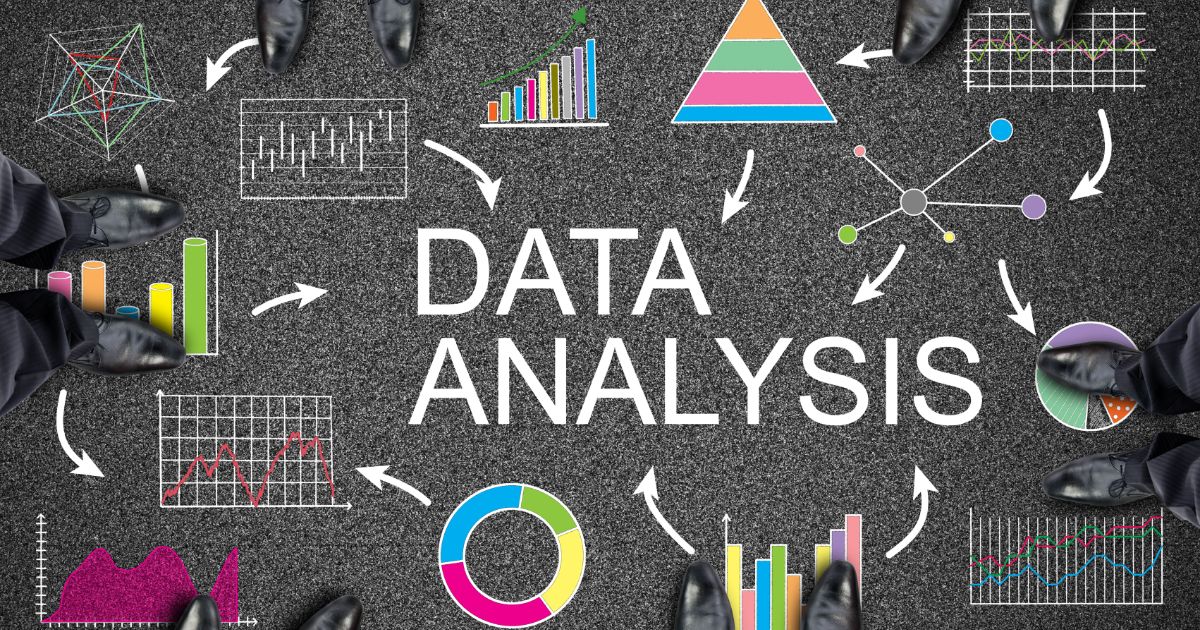
DATA ANALYSIS TRAINING COURSE (BASIC AND INTERMEDIATE)
This intensive training program provides a practical introduction to data analysis, guiding participants from foundational concepts to intermediate analytical techniques
₦150,000.00
Product Details
This intensive training program provides a practical introduction to data analysis, guiding participants from foundational concepts to intermediate analytical techniques. The course is designed to build confidence in working with data, using widely accessible tools such as Excel (and optionally Python or SQL). Participants will learn how to collect, clean, analyse, and visualise data to generate
actionable insights. Through hands-on exercises, real-world datasets, and a final mini project, learners will develop the ability to approach business problems analytically and communicate findings effectively.
The training emphasises:
• Practical, hands-on learning
• Real-world application of concepts
• Step-by-step progression from basic to intermediate skills
• Data-driven decision-making
By the end of the course, participants will be equipped with essential analytical skills that can
be immediately applied in professional environments across industries.
Who should attend?
• Beginners with little/no data background
• Professionals wanting to improve analytical skills
• Students entering data-related fields
Tools Covered
• Microsoft Excel / Google Sheets
• Optional: Python (Pandas) or SQL (intro level)
Course content:
Foundations of Data Analysis (Beginner Level)
Session 1: Introduction to Data Analysis (1 hour)
Topics:
• What is data analysis?
• Types of data (structured vs unstructured)
• Role of a data analyst
• Real-world applications
Activity:
• Discuss a real dataset (e.g., sales data)
Session 2: Data Collection & Understanding
Topics:
• Data sources (databases, APIs, surveys)
• Data formats (CSV, Excel, JSON)
• Understanding datasets
Hands-on:
• Explore a sample dataset in Excel
Session 3: Data Cleaning
Topics:
• Handling missing values
• Removing duplicates
• Fixing formatting issues
• Data validation basics
Excel Skills:
• Filters & sorting
• Find & Replace
• Text functions
Exercise:
• Clean a messy dataset
Session 4: Basic Data Analysis
Topics:
• Descriptive statistics
• Basic formulas
• Grouping and summarizing data
Excel Skills:
• SUM, AVERAGE, COUNT
• Pivot Tables (intro)
Exercise:
• Analyse sales performance
Session 5: Data Visualization Basics (1.5 hours)
Topics:
• Importance of visualization
• Choosing the right chart
Exercise:
• Create a basic dashboard
Intermediate Data Analysis
Session 6: Advanced Excel for Analysis
Topics:
• Logical functions
• Lookup functions
Excel Skills:
• IF, VLOOKUP / XLOOKUP
• INDEX + MATCH
• Conditional formatting
Exercise:
• Build dynamic reports
Session 7: Data Analysis Thinking
Topics:
• Asking the right questions
• KPIs and metrics
• Identifying trends
Activity:
• Business case study
Session 8: Intermediate Visualization & Dashboards
Topics:
• Dashboard design principles
• Storytelling with data
Exercise:
• Create an interactive dashboard
Session 9: Intro to Python OR SQL (Optional)
Option A: Python (Pandas)
• DataFrames basics
• Filtering & grouping
Option B: SQL
• SELECT, WHERE, GROUP BY
• Aggregations
10: Mini Project & Presentation
Task:
Participants:
• Clean data
• Analyse it
• Visualise insights
• Present findings
Deliverables
• Cleaned datasets
• Excel dashboards
• Mini project portfolio
• Optional Python/SQL scripts
Learning Outcomes
Participants will:
• Understand the data analysis workflow
• Clean and prepare data effectively
• Perform basic & intermediate analysis
• Build dashboards and visualizations
• Communicate insights clearly
Additional information
| Duration | 3Days |
|---|---|
| Date | TBC |
| Location | Lagos |